TechQuiet 3d · day 3
watchOS 27 changes Apple Watch force-quit gesture for Live Rewind AI
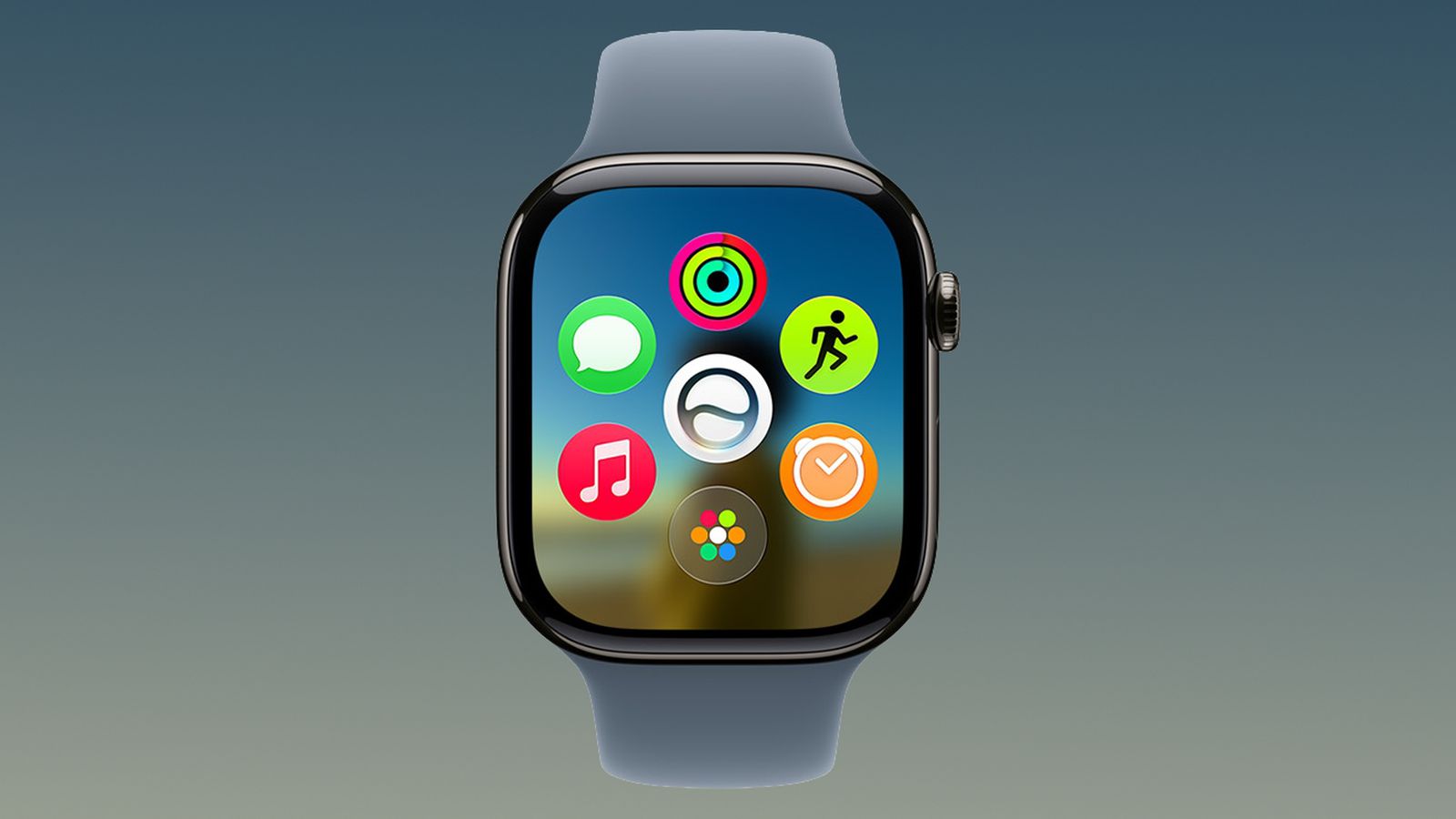
Apple has repurposed the Digital Crown double-click shortcut in watchOS 27, requiring users to adopt a new method for force-quitting misbehaving apps.
What to know
- watchOS 27 eliminates the quick Digital Crown double-click shortcut for force-quitting apps, which previously let users swipe in the App Switcher.
- Apple has repurposed the gesture for the Live Rewind AI feature, a new addition to the operating system.
- Users can still force-quit misbehaving apps using a new method: press and hold the Side button, then press and hold the Digital Crown.
“From the app you want to quit, press and hold the Side button until the sliders appear. Then simply press and hold the Digital Crown until the watch face appears. You've now quit the app.”
MacRumors · MacRumors ↗
Apple Operating system developer
How it unfolded 1 development · click the chart to see its coverage articlesposts
Sep 22yesterdaynow · 4:43 AM ET
-
1
watchOS 27 changes app force-quit method
Apple's watchOS 27 disables the previous Digital Crown double-click gesture for force-quitting apps, reserving it instead for the Live Rewind AI feature. The new method requires pressing and holding the Side button until sliders appear, then pressing and holding the Digital Crown until the watch face returns.
“Prior to watchOS 27, the easiest way to force quit Apple Watch apps was by swiping across them in the App Switcher screen, but that's no longer possible because the Digital Crown double-click gesture that got you there is now reserved for Apple's upcoming Live Rewind AI feature.”
— MacRumors -
1 outlet first by MacRumors, 2d ago · read ↗
-