Google Messages ships swipe gestures, long-press menu as bigger redesign looms
New swipe-to-reply and timestamp controls roll out widely while APK teardowns reveal a larger home-screen and search overhaul still in testing.
What to know
- Google Messages is rolling out a long-press menu and new swipe gestures (for timestamps and reply) to stable-channel users this week, following limited testing.
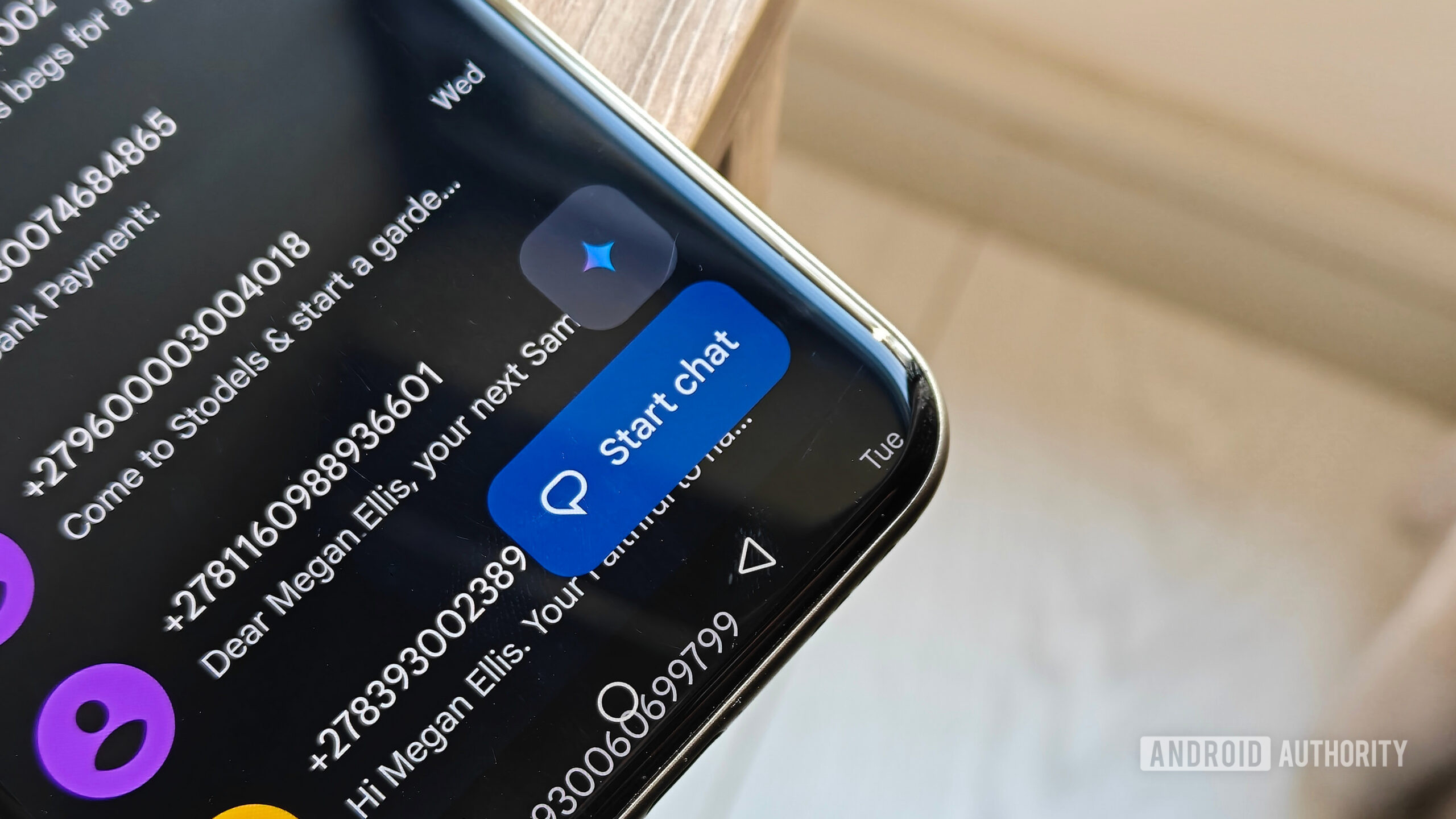
- APK teardowns of mid-September beta builds show Google separately testing a bigger home-screen reshuffle (moving Search and Start chat buttons) and a redesigned search experience with in-chat search and full-match result lists.
- None of the teardown-discovered home-screen or search features are confirmed for release; Google could change or abandon them before launch.
- The new swipe-based timestamp display has prompted some user confusion since it replaces previously always-visible metadata.
Google Developer of Google MessagesAndroid Authority Outlet conducting APK teardown reportingAdamya Sharma Android Authority reporterHillary Keverenge Android Authority reporter
How it unfolded 5 developments, newest first · click a bar or a number to jump articlesposts
-
5
Coverage and social posts spread word of the combined update
Outlets and social accounts pick up and repost the rollout of the long-press menu, selective copying and swipe gestures as a single update bundle.
“Google Messages is rolling out a redesigned long-press menu, selective text copying and updated swipe gestures. The changes make it easier for Android users to copy specific text, reply to individual messages and check timestamps.”
— Mathrubhumi English -
 M
M
Google Messages is rolling out a redesigned long-press menu, selective text copying and updated swipe gestures. The changes make it easier for Android users to copy specific text, reply to individual messages and check timestamps. https:// english.mathrubhumi.com/techno…
-
-
4
Swipe gestures for timestamps and reply begin rolling out
Google Messages introduces swipe controls that reveal a message's timestamp and trigger a reply gesture, changing how chat metadata is displayed and prompting some user confusion over the new layout.
“Google Messages now lets you swipe to check timestamps and reply to texts…”
— DigitalTrends@flipboard.com, Social media repost of coverage · source -
first by digitaltrends.com, 1d ago · also 9to5Google
1 more headline
- Google Messages rolls out new swipe for timestamps & reply gesture 9to5Google · 1d ago
-
first by Android Authority, 22h ago
-
-
3
Long-press menu for message actions rolls out widely
Google Messages' redesigned long-press menu, which adds message actions and selective text copying, reaches more users on the stable channel after prior limited testing.
-
4 outlets first by 9to5Google, 1d ago · also Droid Life, Android Central, Android Authority · read ↗
-
- 2 days quiet
-
2
Same teardown details a redesigned Messages search experience
The teardown also surfaces a new search landing page with preview rows for images, videos, links and places, a shortcut to search within a specific conversation, and a results page that can list every matching message instead of just one per chat.
-
first by Android Authority, 4d ago
-
-
1
Teardown reveals Google Messages home-screen button reshuffle
An APK teardown of beta build messages.android_20260917_03_RC00 shows Google moving the Gemini button into the header (replacing Search there), shifting Start chat to bottom-center, and adding Search to the bottom bar, with the two bottom buttons expanding and collapsing based on scroll behavior.
-
first by Android Authority, 4d ago
-
first by Sammy Fans, 4d ago
-